
We’ve moved away from building a site page by page. Now, teams are moving to component-based designs. In this talk, we’ll take a look at the evolution of front-end processes from design through to implementation. We’ll see how CSS concepts like BEM and SMACSS apply in a world of React, CSS Modules, and Web Components. Lastly, we’ll take a gander at what possibilities still lie ahead.
← All talks 















Build Engineering Turing Fest 2017
Falling to Pieces: The Componentization of the Web
Auto-generated transcript - may contain errors. Tap a timestamp to jump the video.
Yeah. So I'm here to talk about the componentization of the web. And hoping slides will come up any there we go. Look at that. Just on queue. That was awesome. I'm going start off with one thing that I think is important to mention and that is style is important.
If we go back to the very beginning days of the web when we had black text on a gray background, we had headings, we had images, and that was pretty much all we had. The thing is that when we look at the commercialization of the internet, companies need a way of establishing a brand, of establishing identity, but it's also when we look at all the applications that have been built on this platform, we need to establish hierarchy, we need to establish usability.
And all that comes through style. So, you know, we think about in the beginning, we thought about pages, we think about documents, right? The documents are the way pages were structured. We have headings, we have paragraphs, but you know with that shift to applications, we required a shift in our thinking as well.
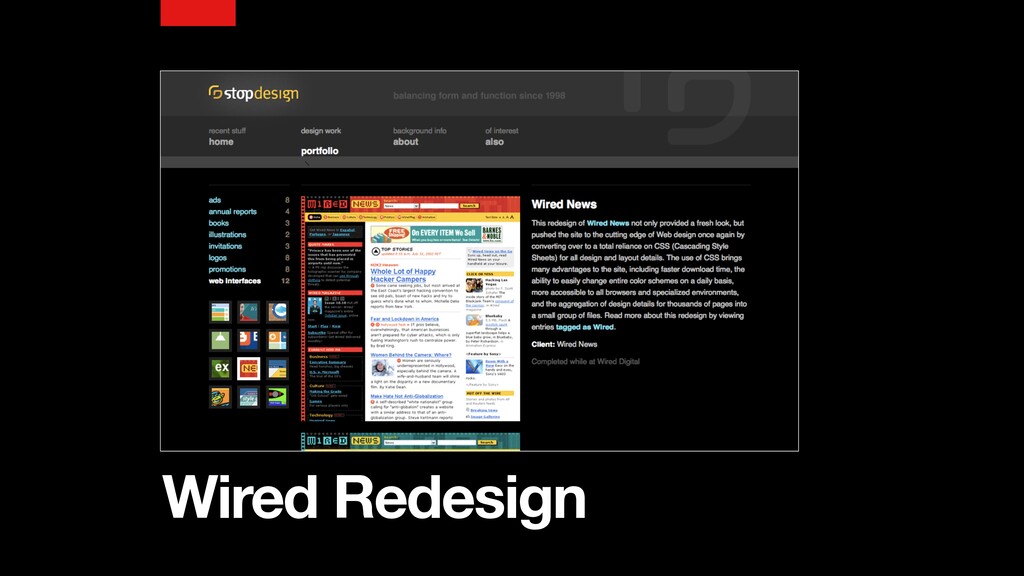
So you know, in the beginning we didn't have CSS, we didn't really have a great way to style our pages, we had font tags that we could embed everywhere, which wasn't the best approach. You know, if we had a way of centralizing our styles for an entire site, that we might have a better way of doing that, and in around two thousand and three, the Wired dot com redesign came out and it was one of the first sites that actually showed that we could use CSS as a way of styling our pages to control
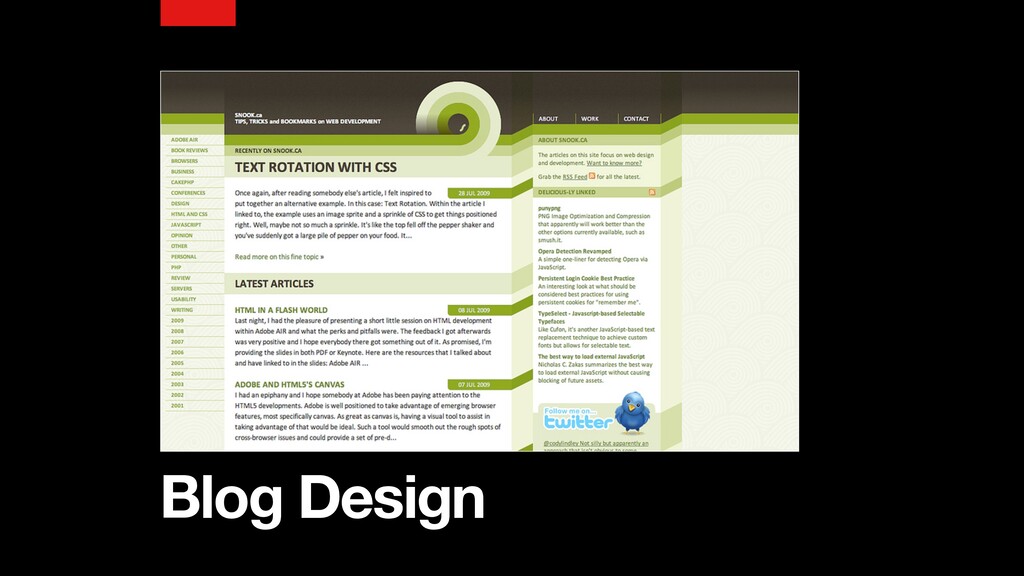
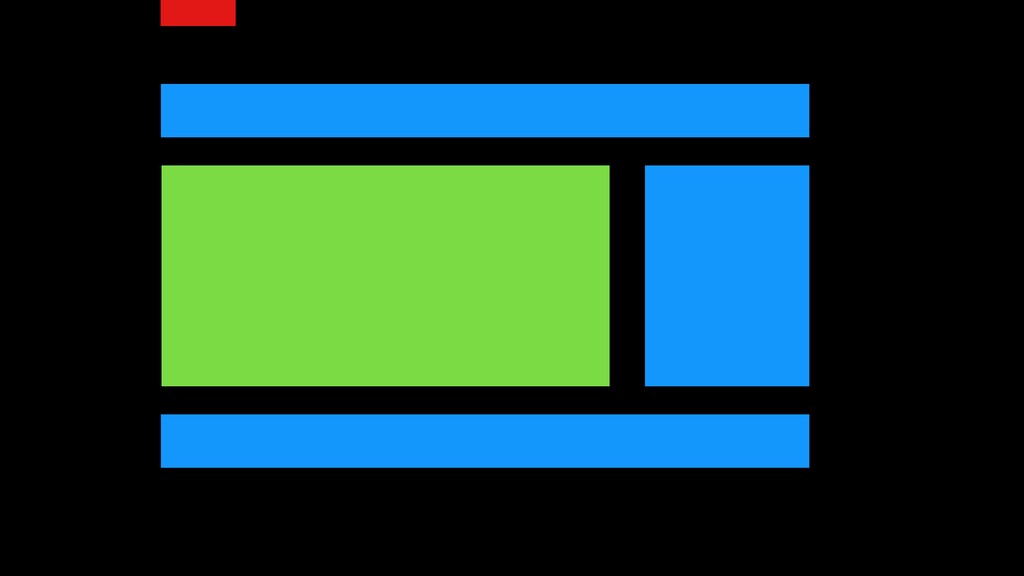
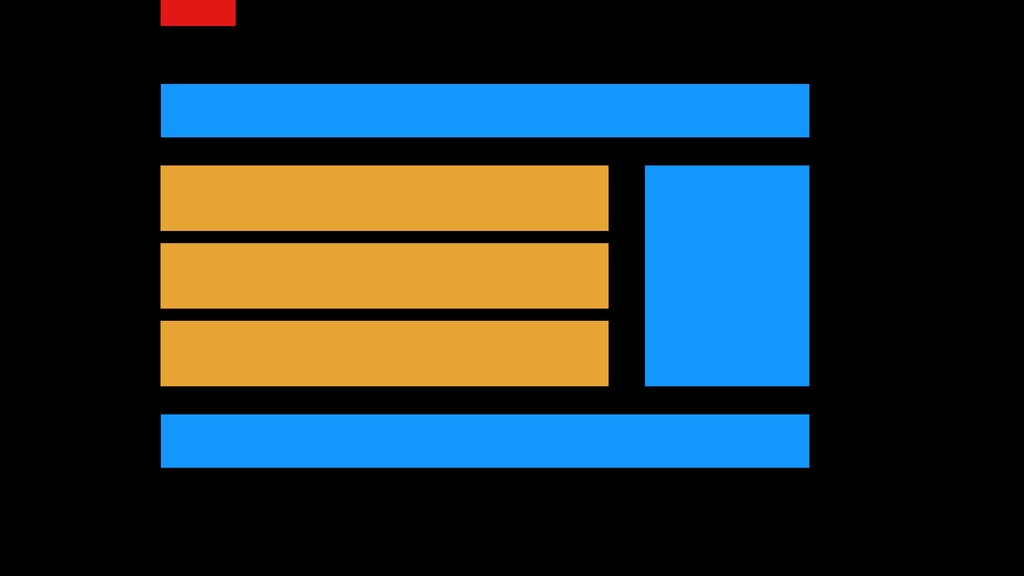
layout, to control these things and create a good looking site, which for a lot of the work that I was doing at the time was building around a lot of blogs. Blogs have a fairly simple structure. A lot of sites like Wired dot com have a fairly simple page structure, where we're talking about headers, footers, sidebars, and then our main content area.
Admittedly, you look at a lot of sites these days, we still have a very similar structure to this, So we would write the CSS for this page. What's my header? What's my footer? What's my sidebar? This is how all these things should look like, and then we would move on to another page and we would say here are all the styles that are different.
When I look at CSS, I kind of think of like transparencies. If you remember back in school, the overhead transparency where you have that little sheet of transparency that's put onto this glass, but you can actually layer multiple transparencies one on top of the other, and from that we get this picture.
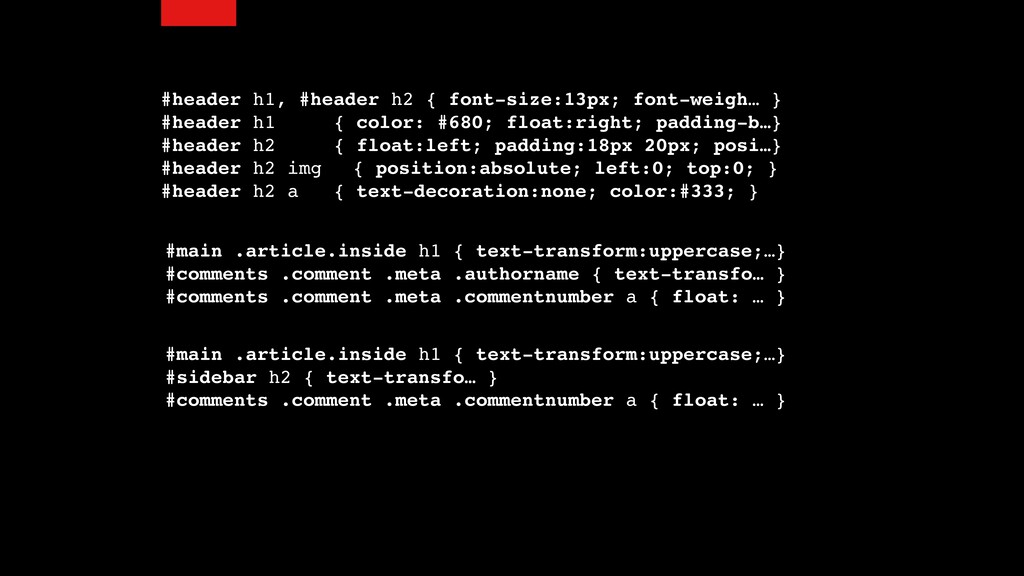
The problem is that if we, you know as we're writing, you know each selector that we write is essentially a new transparency that we're putting on. So I'm gonna say yeah, these are my headers, and then I start to get a little bit more specific.
So you know I have my headings, but maybe when I have an inside article I'm going to style my headings in a different way. My comments, I'm going to style a specific way, but I can be very specific under certain conditions. I continue to get more and more specific, and what happened is we kept layering one transparency over another, adding more and more CSS to this one long file that almost like at the, if you imagine a year or two after a project, that it feels like this tree.
We can see this stuff at the end, the coding styles and what we did were completely different from the stuff at the beginning, but everything just kind of layered on to this massive document. This scrolling document that you saw here was when I first started working at a company called Shopify and I came in, and mind you this was five years ago, so still what I would consider fairly recent, this was their CSS.
It was one large document. So I think a lot of the stuff that I'll be talking about hasn't really changed that much. Now if you can imagine that CSS document, those transparencies in there, and we have one specific thing on the page that is a confluence of all these selectors targeting that one particular element, and then I say, you know what, I need to remove this CSS.
So I'm gonna grab a selector, I'm gonna grab a line, and I'm gonna remove it, As a result of removing that, I have inadvertently affected all of these other things because that transparency that I pulled out, that selector that I pulled out of my CSS actually affected a lot of other stuff.
And it's very difficult when you're looking at a stack of transparencies to know what's going to happen when I pull one out of the stack. You know, having come from a page oriented way of developing, we started to see a change in how we approach CSS.
So when I was working at Yahoo, this was actually my first time working on a product with a large team. Before that, I was a freelancer. And as a freelancer it was mostly just me working on a particular project. I would get the project, I'd do the design, I'd do the CSS, I'd ship it off, and I'd never have to see it again.
I'm assuming that code was fantastic, of course it was fantastic, but here I was now trying to deal with coding styles and whatnot for these other projects, and so I started looking around at what other people were doing and I came across OO CSS, which was how do we look at componentizing our stuff, and I took that and layered on a bunch of other things.
Since then BEM is another approach that has also become quite popular. These are all really around the concept of making things a little bit more understandable instead of thinking of all these pages, which when you're dealing with the complexity of the applications and sites that we work on these days, actually becomes really difficult because yeah, if I make this CSS change, I might not see a change on this page that I'm working on.
I may have actually affected things in three other places that I don't notice until we start getting those bug reports. And then we have to do those release notes that say minor bug fixes. So what does it mean to be modular? Well, a module is each of a set of standardized parts or independent units that can be used to construct a more complex structure, and to me the important part in this is independent.
You don't want something that has all these dependencies across other things. You want to be able to take something, move it around, and know that it's not going to break. You want to be able to put other things into the same place and not have things break.
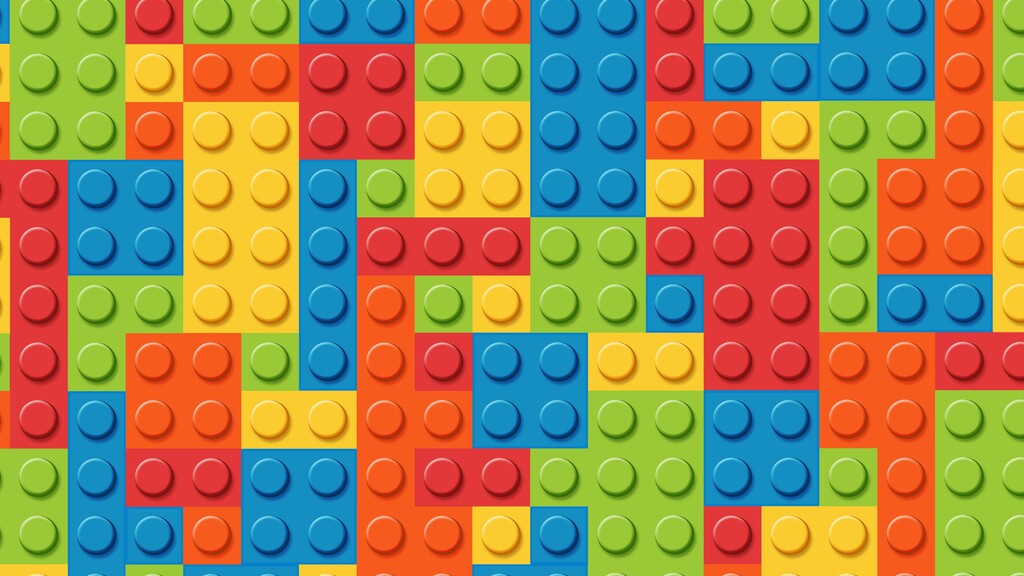
A lot of people when they think of this, they think of Lego. That I've got this bucket of pieces that I can put together. And the thing is the bucket of pieces is probably more complex than a lot of the projects that you're working on.
In fact, I've yet to see a project that really tends to deal with more than say fifty components, because a component is something that your users have to understand how to use and if you have a bucket of hundreds and thousands of pieces, that's a lot of complexity that your users need to understand.
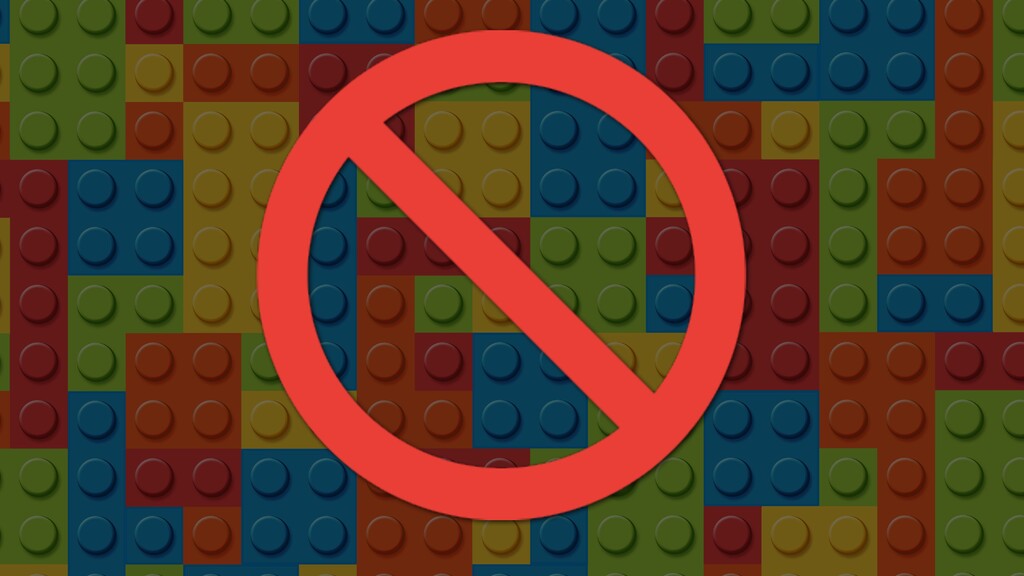
So I don't really like the Lego analogy. To me Tetris I think is a much better way of putting it. See with Tetris, you've got predefined components. Each component has a different shape and they can fit together in certain ways, and from that we can build the shapes that we want for our sites.
The thing is that there are a number of hurdles when we're building stuff that make it difficult for us to be truly independent. So within CSS there are four main things that we have to deal with. One is inheritance. We have to deal with the cascade.
We have to deal with the browser's own default styling for different HTML elements, and then we have to figure out how do we put this stuff together in a way that makes sense. So inheritance. Now inheritance affects things like typography. Going back to the early days, you know having to wrap font tags around every single paragraph element or every single table cell was a very cumbersome approach.
Wouldn't it be great if I could just specify that you know what, my entire page should use Helvetica? Or my entire page should use Gotham? Being able to specify this for the entire page in one place would be a huge asset. And we got this.
CSS allows us to specify things on a global level, and this is great. Everything those styles essentially inherit down to the elements that are embedded within them. Same thing with list styles, same thing with table styles. So for us this is a good thing.
We don't want to get rid of this. If we had to specify, you know, these days we have a couple hundred CSS properties that we can actually apply on a particular element, having to specify all two hundred on every single element would be really cumbersome.
We have to deal with the cascade. Now the cascade basically says, I've got four different selectors, four different rules that I've created for this particular element, but in this particular rule I said that the background color should be red. This one I said it should be blue.
This one I said it should be green. Which one of those rules wins? So there's a calculation that happens that help us determine this. Thing is that that calculation often gets us into trouble. That's where we start creating those little selectors where well I was using a class selector here, but I need to override that in this particular case.
So I'm going to use two class selectors, or maybe I'm going use an ID selector, or I'm going to start having to use bang important to say, you know what, I need this to overrule all the other things, and we get into this sort of competition in order to style things properly.
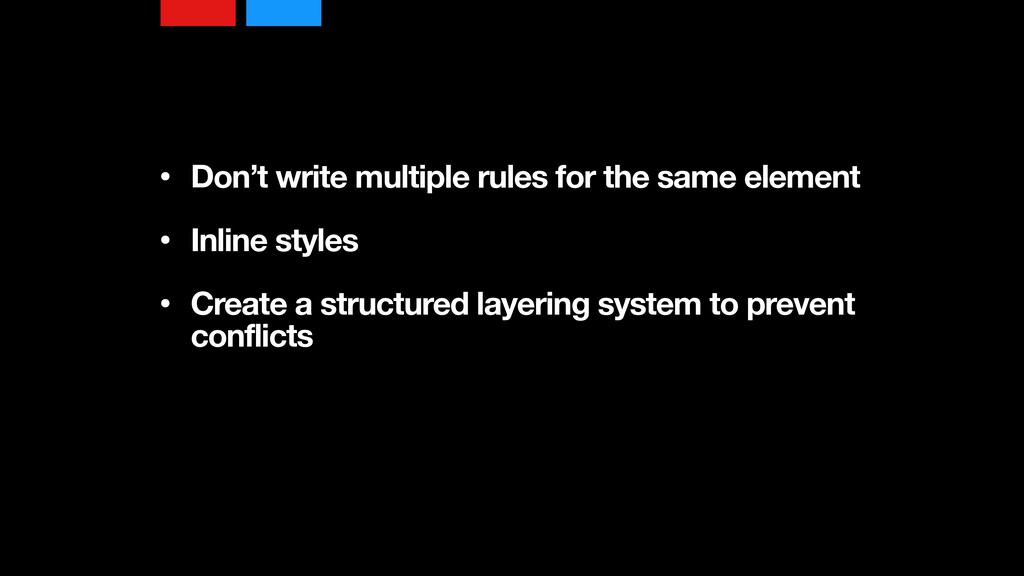
So some of the things that we can think about is one, just avoid writing multiple rules for the same element, and that's what a lot of this modularization is, this independence. So let me create a rule that is very specific to a set of HTML elements.
I could use inline styles. So inline styles, basically if I'm templatizing my website, I've got a template for this component, a button, a modal dialog that I can write those styles at essentially the lowest part of the component as opposed to further up in the tree having to deal with possibly cascading rules, possibly having to deal with inheritance.
And I can also create a structured layering system to prevent conflicts, which again is essentially what SMACS and BEM do. They say, okay, we're gonna create a component and we're gonna layer on styles, and then I've got my, with BEM, stands for Block Element Modifier, I've got my block which might be a button, but I don't just have one button style for my entire website.
I might have primary buttons. I might have secondary buttons. I might have modal buttons that need to be smaller, or maybe I've got call to actions that need to be bigger, and so I have all these different variations and I need a way of specifying what these variations are, but I'm still trying to group these things together and keep them separated from everything else.
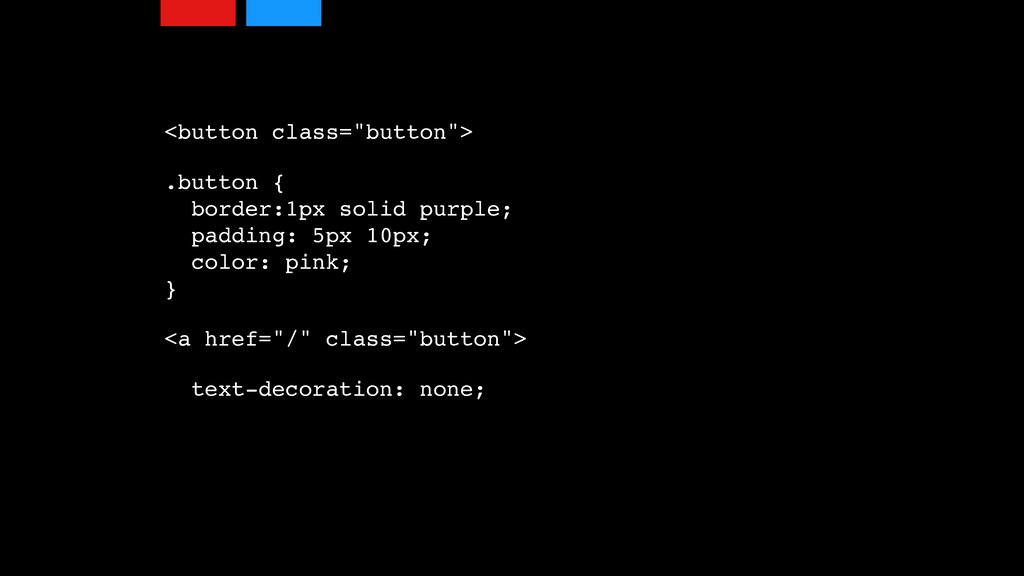
We have to deal with browser defaults. So if we look at things like a button element, and I can create a bunch of styles to say this button should have a border, should have padding, should have color, but what if I take that button class and I decide to add it to a link?
Well, links have a certain style that the browser puts on them, things like underscores, So that text decoration I now have to remove when applying this to links, and this is that other thing that we start to have to deal with is understanding that different HTML elements have an innate style.
If I took this button and I threw it onto a heading, I'd have to adjust the font size. I might have to adjust margin and padding. The way a lot of other people have tried to approach this is using CSS resets where they basically just try to reset everything on the page to be as plain and ugly as possible and then try to layer on their styles on top of that.
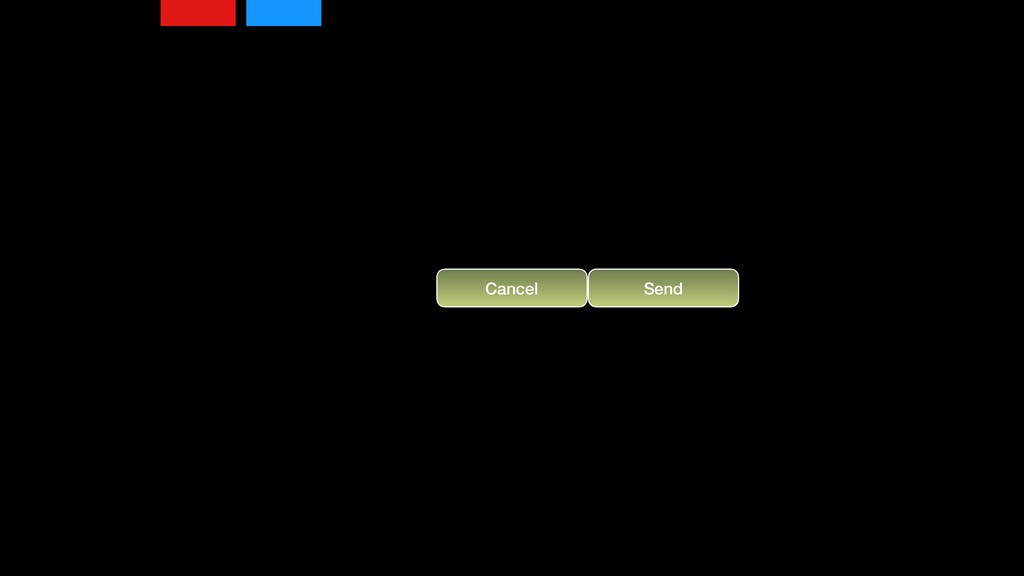
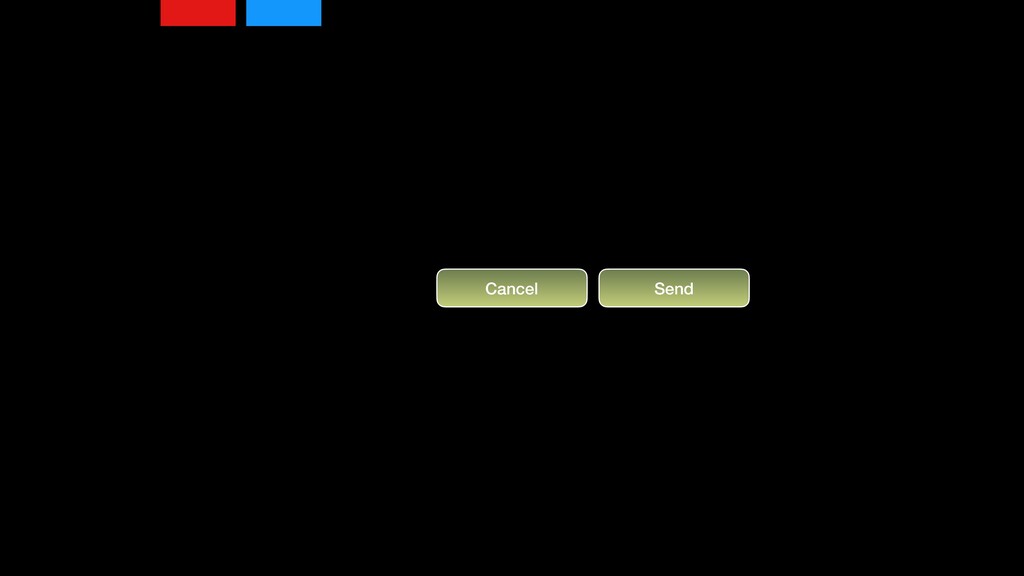
Lastly, trying to put modules together. How do we handle this? So for example, I've got a button, fantastic button, lovely gradient, border, text, it's got all the stuff that I want in it, but I wanna put two buttons side by side. Well, you can see the spacing between those two buttons isn't really ideal, so I need some way of specifying.
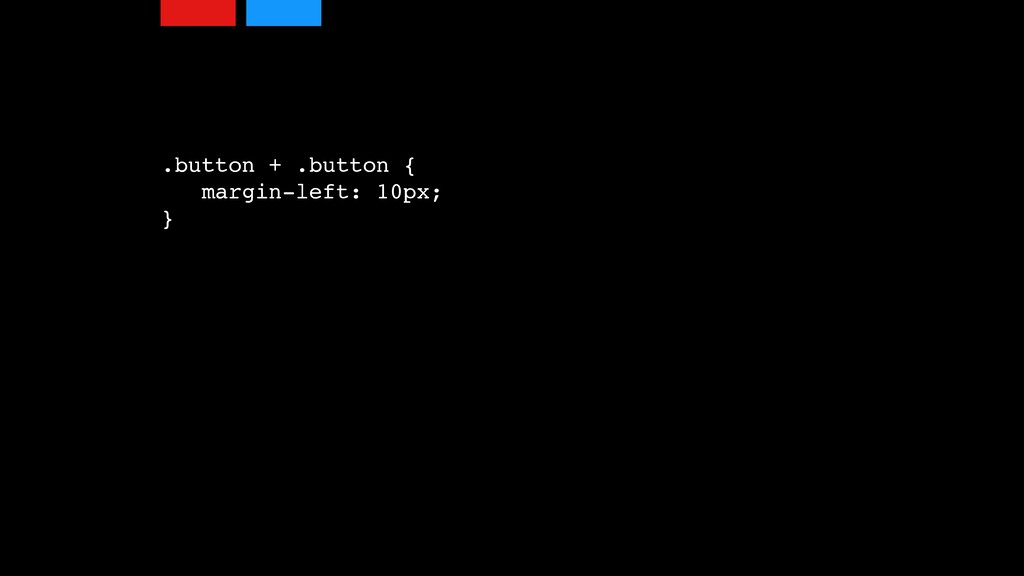
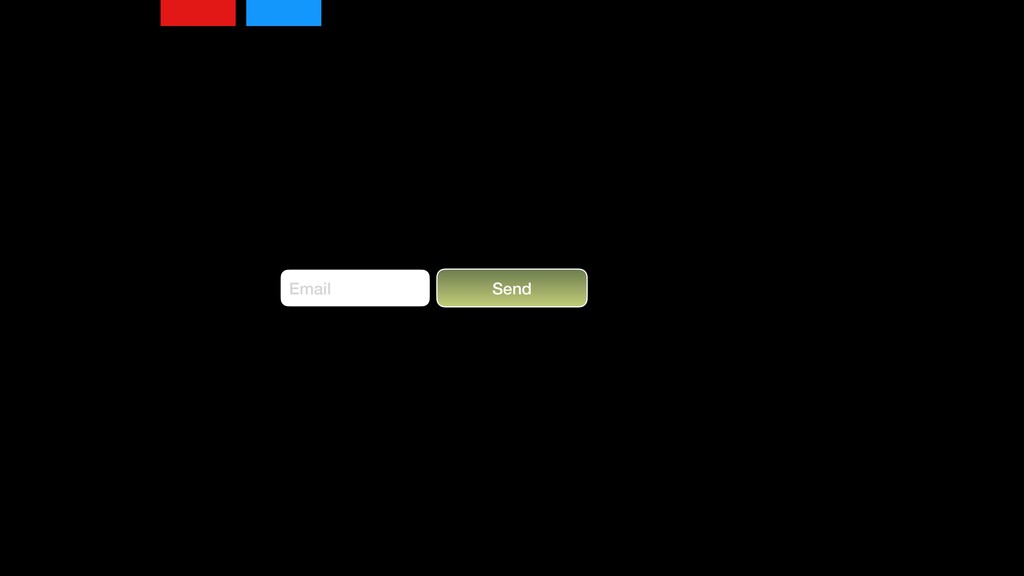
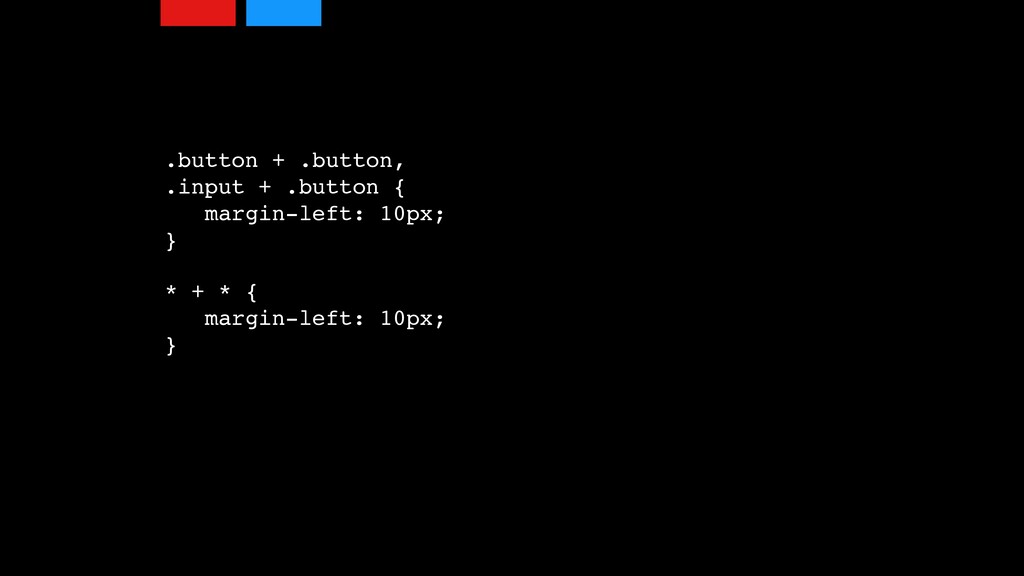
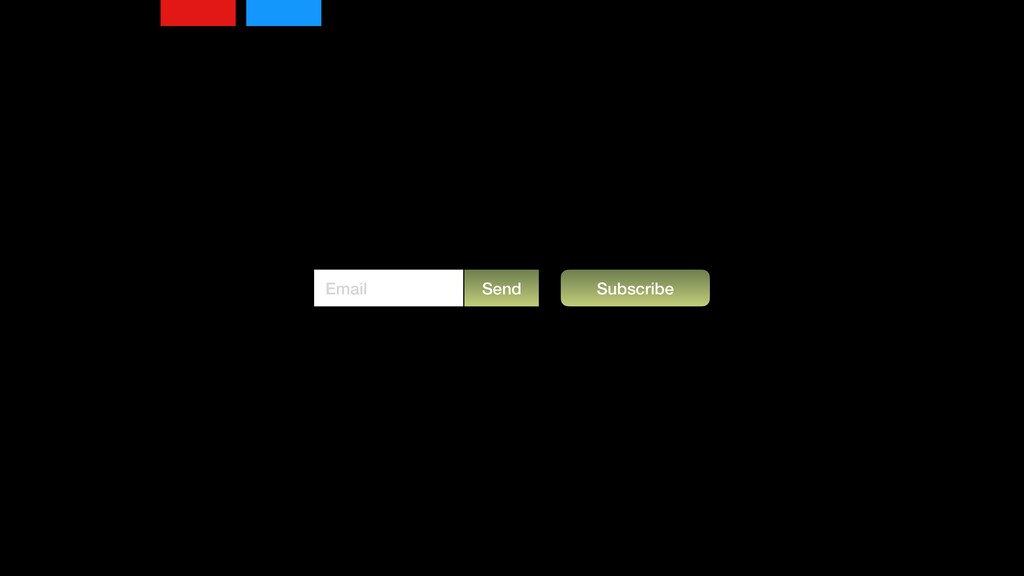
Well, maybe if I have a button beside a button, I'm gonna set the margin on this to separate them out, and excellent, I've got what I want, but project evolves and I need a button beside an input and you think, well okay, that's great, but what if the designer comes back and says, well we should have these things touching each other?
And you're like, okay, well, okay, first I've got, if a button is beside a button, that's great. If the input is beside the button, that's great. But maybe I could just say, anytime anything is beside something, put a margin beside it. Will that work in all situations?
No, we start creating all these different exceptions for what we're trying to do. So for this exception, I'm just getting frustrated because of all these different variations, all this CSS I've had to add for every single variation. Because of this we're only looking at one particular situation.
It was buttons, right? We had buttons beside buttons, buttons beside inputs. Maybe we start dealing with what happens when a button is inside a modal and we start adding all these special rules that we don't want. So there's a couple approaches we can do here.
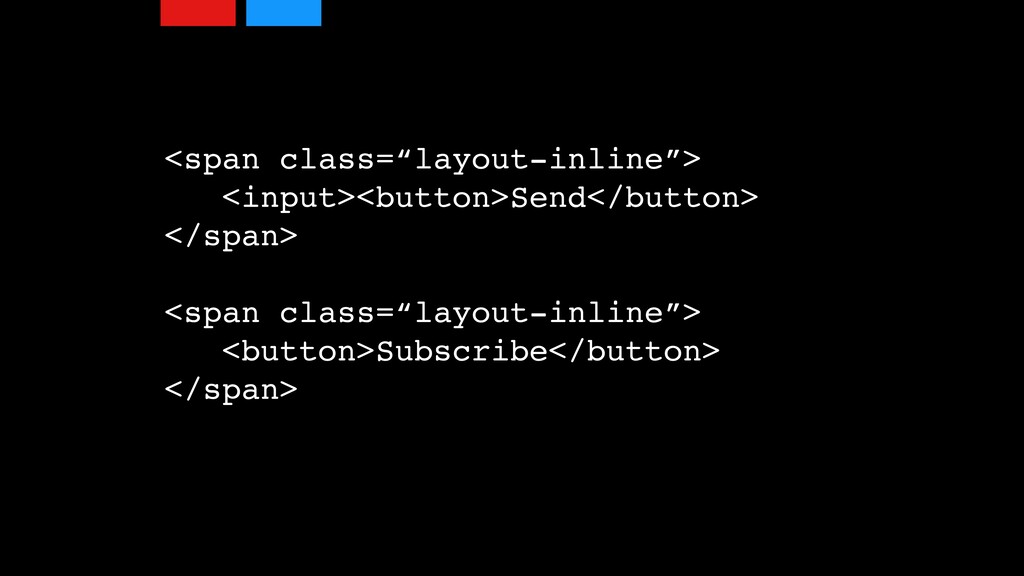
We can separate layout from module or we can use micro layout classes, also known as functional CSS or atomic CSS, where we start using these sort of single purpose classes to update styles. So for example with the sort of layout module approach where everything then needs to be wrapped with an HTML element that has its own class to say okay, well layout inline has a certain property that has margin and padding around it that I can apply in all the situations that that applies, which feels like a very verbose solution.
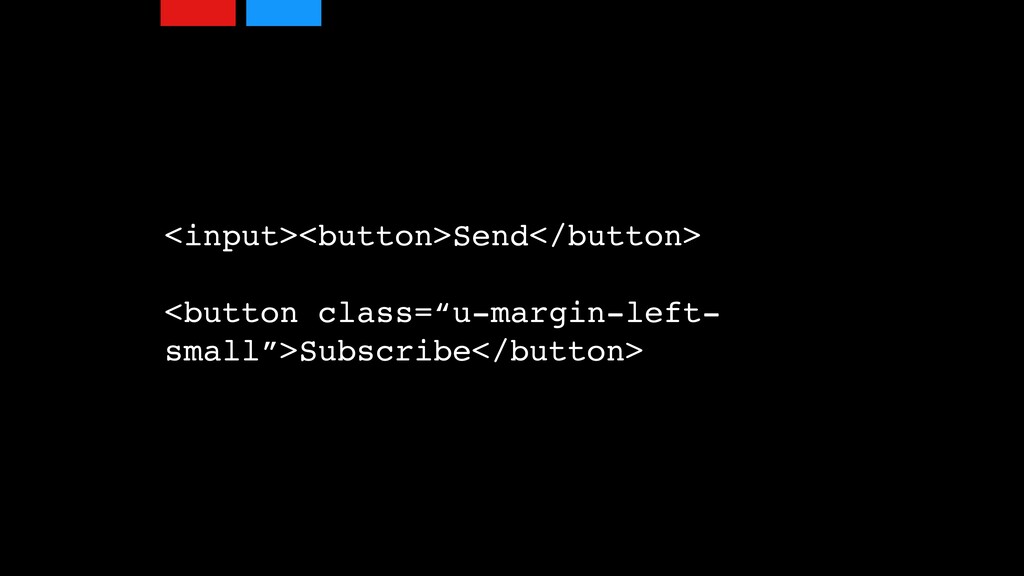
Would be a lot of work to have to add into a project. And so as an industry we've been seeing this trend towards these utility classes where I can just kind of add it into one particular place, and in this particular place it's gonna say margin left and maybe small.
I'll have like small, medium, large that gives me maybe ten, twenty, and thirty pixels of margin that I can apply in all these different places. And then in this case where I only wanted it on the one button, boom, I add it to the one button and I'm done.
Coming back to SMACS and this sort of scalable modular architecture and what this really means. So when we look at a design, we're trying to solve these design issues from an architectural, from a coding perspective. When we look at a design, we might have these buttons, and a button, we might want to make it stand out, and we can make it stand out in using position, using color, using size, using shape.
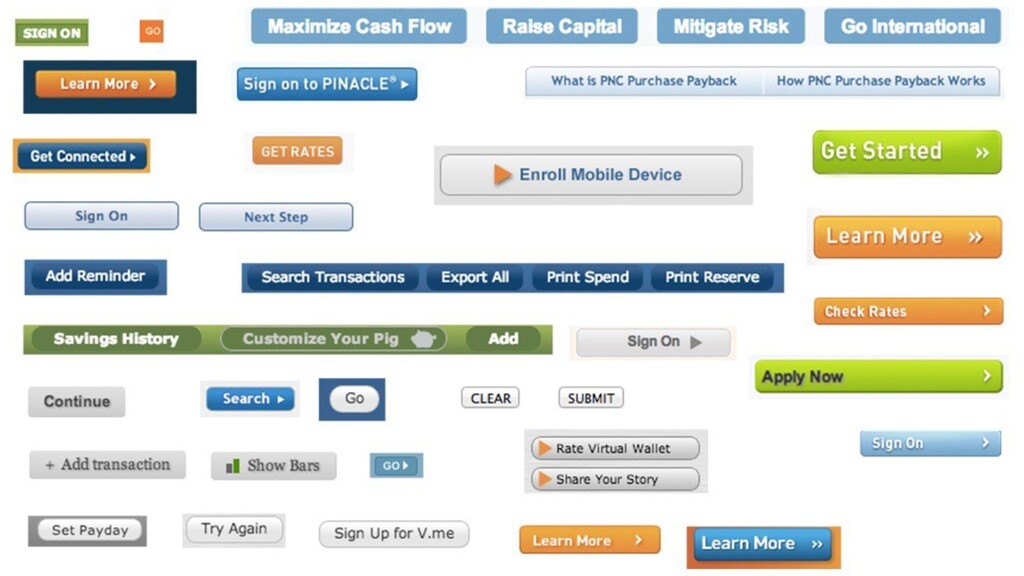
You know, these are all different ways that we want things to stand out, and this again is a good thing. From a design perspective, We need things to have priority. We need to direct the user's attention to do certain tasks. The problem that we run into is when we try to apply everything to everything and we get a mishmash of situations, and that can be hard to see when you're just looking at one page that might only have one button, but if we can go through the process of actually auditing
our designs, we can actually see where suddenly we have this mishmash of possibly dozens of different button styles. This is actually taken from a single website across multiple pages all the different button styles that they've had. Again, if you're just looking at a single page it can be really hard to see that, and again every single one of those has CSS that's been written for it.
Extra code that needs to be maintained and delivered to the user. I mean if you think from a performance perspective, how much extra code is coming down to the user for them to be able to use this website? And that's where a lot of those sort of modular approaches allow us to define patterns and see how we're creating a lot of complexity, not only for us to maintain, but also for the user to understand.
What am I allowed to click on? What is a button? What is a form input? What are these things that I can interact with? And if they're literally changing from page to page, it can be confusing and difficult for the user to understand.
Visualizing related things makes it easier to see the disparities. Again, these sort of component based approaches allow us to group components together outside of our project and be able to see those changes. As I mentioned, design has a cost. So as much as we can simplify our design, the easier it is for users, the less we have to maintain, and ultimately a better experience for everybody.
So the pros to using an approach like SMACS or BEM or OOCSS is that it reduces the intersections. Instead of having this huge CSS file where we're constantly adding rules to the end trying to override everything that we had before, if we can simplify things into a component like a button or a modal dialog where we know the constraints of that object, We can know that we can write a style that is a modal class for example, which has a modal content, which has a modal footer and a modal header,
and then everything else is something else. A button in that isn't a modal button, it's just a button. So we don't have the complexity of having to override or create different rules, and it also allows us to simplify our selectors. We don't have to create these huge chains of saying, Well, if I have a button inside of a modal dialog that's inside of this particular page, writing out those longer selectors become unnecessary.
There's less that we need to worry about when it comes to the cascade because we do have less applying to one particular element on the page. However, these approaches are methodologies. There is no framework that you can download to run on your project.
This is just simply an agreement that you've made with all the developers on your team to follow this approach, and that requires diligence, and I know because I am one, I am lazy. I am a lazy developer. I will take shortcuts when I'm in a project.
Oh, you need this launch by Friday? I don't have the time to build consensus with my team. I'm just going to ship and I'm going to throw in all this extra stuff that I can deal with later. Right? I'm going to create that tech debt.
I will take up that loan and try to pay it back later. And I've seen this happen again and again. At Shopify, we had a team that was launching a new feature within two weeks. They needed to get this stuff out and I kept going to them saying, Listen, the way you're approaching this is going to create a lot of burden on not only your team but other teams and it's creating design inconsistencies with the rest of the project.
Now when they shipped, at one point I had to kind of give up and say okay, well you do what you need to do. They shipped that product and then a month later we did a post mortem. And that post mortem, one of the things they said is that once we launched, we found ourselves having to deal with a lot more bugs than we expected.
And the reason is because we had already solved a lot of these problems elsewhere on the site. So having that consensus, building, trying to figure out how do we solve these problems across the product allow us to create much more reliable components when they're reused in a lot of different places.
The other thing is that there's no tooling, so there's no way to establish that consistency. A lot of projects now have linting tools built in so that, you know what, I might be a tabs guy but we've agreed to spaces, I am literally unable to commit my code to the project unless I convert all my tabs to spaces.
Those types of things are important in creating consistency and consensus within a team. Now that is one particular approach. There have been since then other approaches that have come out. Atomic CSS or as it's sometimes known as functional CSS. There's a number of libraries out there like Tachyon that take this approach, and what they attempt to do is take that sort of utility class approach and apply it to everything.
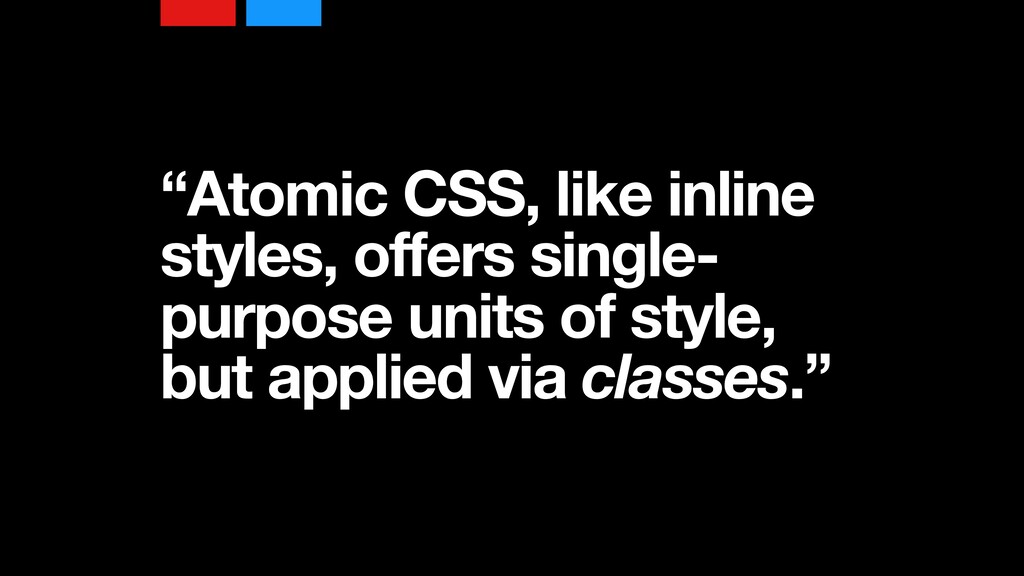
Now from the Atomic CSS project, they say like inline styles offers single purpose units of style but applied via classes. So for example, instead of having a modal class that defines the styles for all modals, you would instead have an HTML element where you would apply a class that says the border of one pixel, a border radius of five pixels.
Those would be two different classes that I would apply to that particular modal dialog. And so I would build up essentially all these classes have four, five, six, seven different classes on a particular HTML element, creating sort of a one to one relationship between class and the property that I want to apply.
And the reason why they take this approach is because there is an upper limit to how many CSS properties and values you're going to apply on a project. So if we look at our typography, how many different font styles are you going to have?
Well, I might have eight different font sizes, Maybe two different font styles, or font families rather, and that might be the extent of my typography on my site. So I have ten classes that I can apply elsewhere, anywhere on the site, to define the look and feel of my site from a typography perspective.
Margin, I might only use five pixel, ten pixels, fifteen, twenty. I've got a limited set of values that I'm applying in that particular case, And as a result we end up with this sort of toolkit of properties and this upper bound of how big my CSS is going to be.
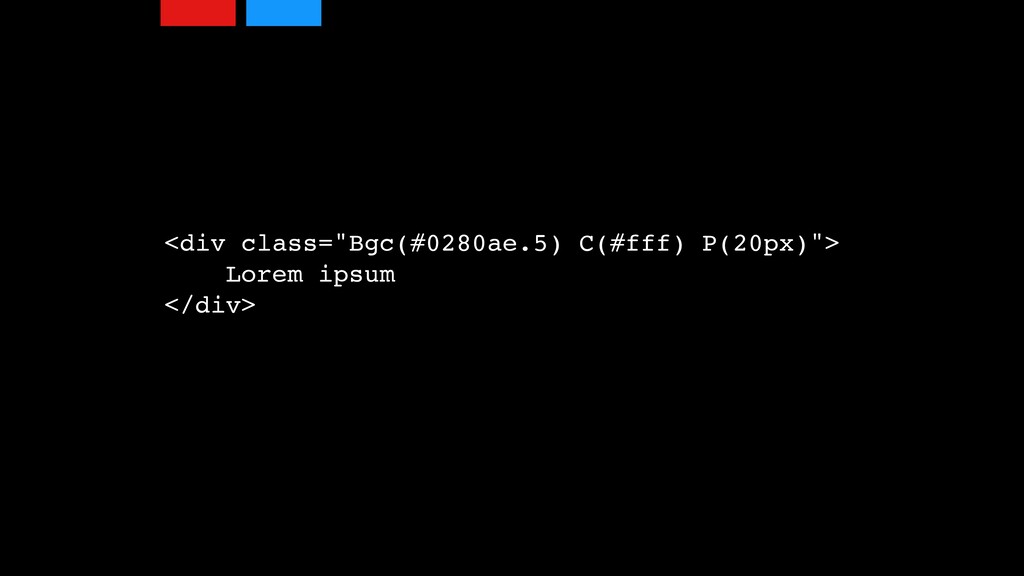
And so this is an example taken from that project. You can see where they've got this background color, uses BGC as its class, and then the style that's applied to it, and there's a compiler that's included with this project that can compile this and create the CSS for your particular project, and therefore the size of your CSS might cap out well below one hundred ks, which for some of your projects you might be thinking one hundred ks is too high.
I know a lot of projects that I've seen where we're looking at two, three megs worth of CSS. So the performance benefits of this kind of approach can be huge. The only thing is I kind of consider this human powered CSS optimization. I mean to me I would love a tool that could go through and create this type of CSS for me without me having to do it manually, so that I can still think conceptually from an object perspective and it can break down into these
individual components for me. The problem is that optimizing CSS is hard. There's a lot of things that a optimizer would have to know. They would have to know what is my HTML structure? What child elements might I be using? If I'm using a before selector, an after selector, or a hover state, all that state management would have to be understood by this optimizer to understand how all these things should be working.
So not only would it need to know the rendered HTML, it would also need to know how the HTML was going to be changed from JavaScript. We've got things loading, showing, displaying, all those different things would need to be understand by the optimizer to make sure that it was applying the CSS at the right time.
And as well it would need to be able to understand the cascade. So these are a lot of complexities that are coming into this project. Now with that said, while we've been trying to deal things from a CSS approach, JavaScript has been kind of coming in and providing another approach to how we build applications and how we style applications such as React.
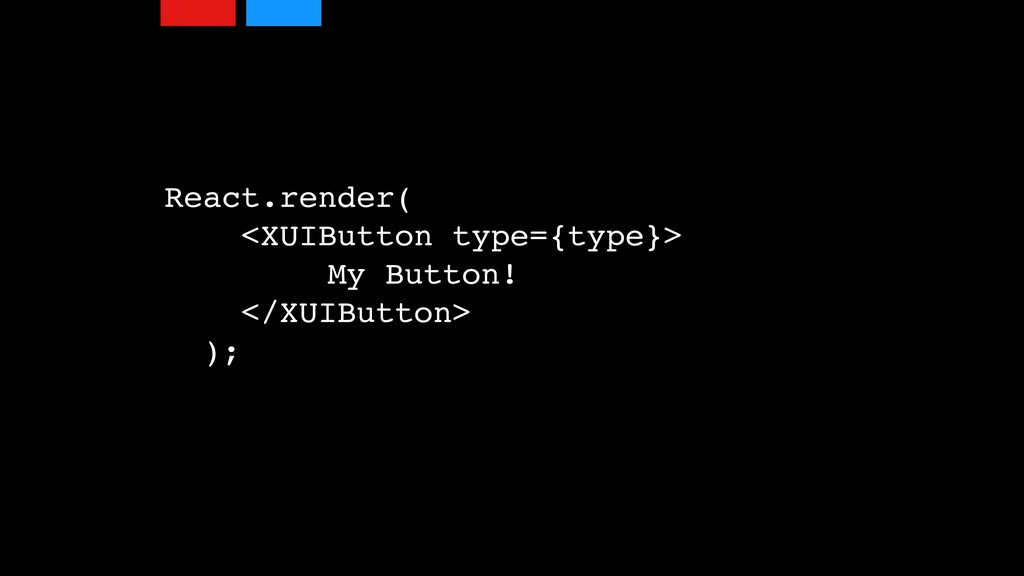
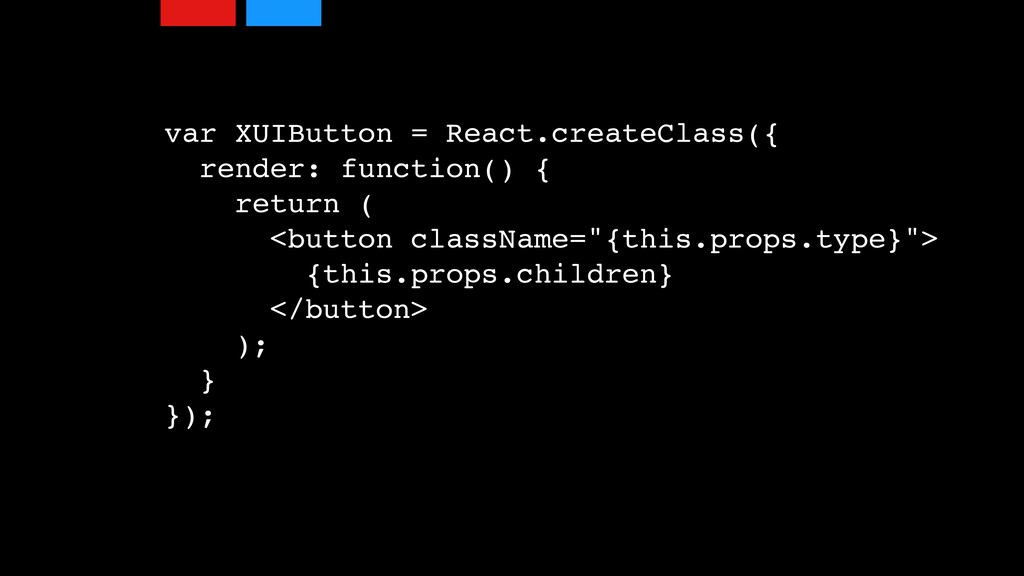
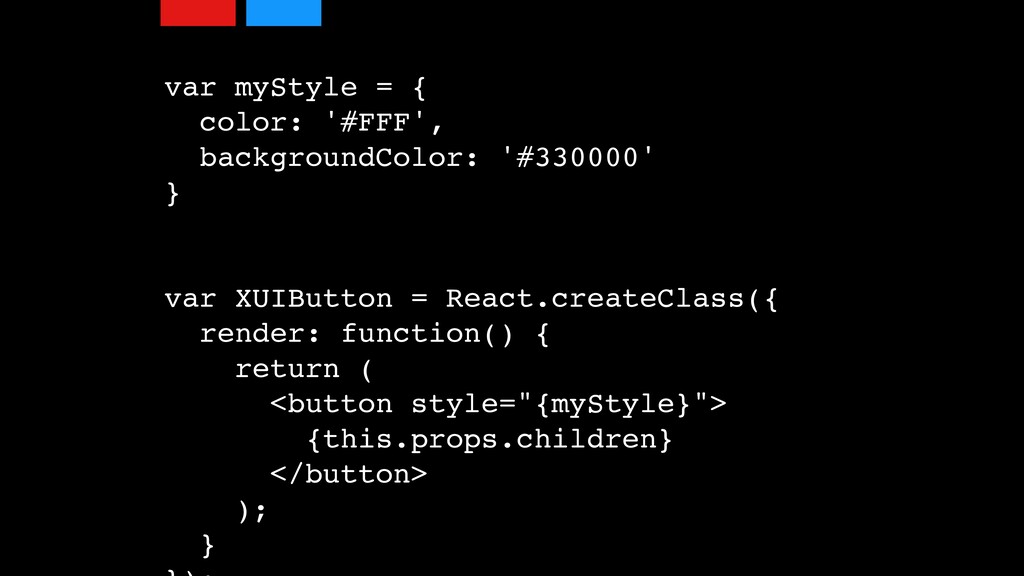
I can create this component and sure I can create a CSS class in a different object that is compiled sort of outside of this, or I can actually start adding properties into these templates that I'm creating. That I have this ability to say, okay, I'm going create a style, and instead of creating this CSS value property, I'm going to create this JSON object that is going to define these things, and then it will inline that stuff into my CSS.
Or there's a couple of projects out there. One's called styled components. Another one is CSS modules. These are two very popular projects within the React world. I know CSS modules isn't React specific, but is commonly used with React projects, and both of these what the attempt to do is actually we'll deal with a lot of the sort of tooling issues that component based approaches like SMACS and BEM don't have, and what they'll do is as you're writing out this is the class for this, it will actually create a compiled version of that class
so you don't deal with clashes, you don't have to deal with the cascade, and a lot of that stuff can be very helpful in maintaining the styles within a particular project. I don't think they really necessarily deal with the bulk side of things, like how do we minimize our CSS so that it's the smallest possible?
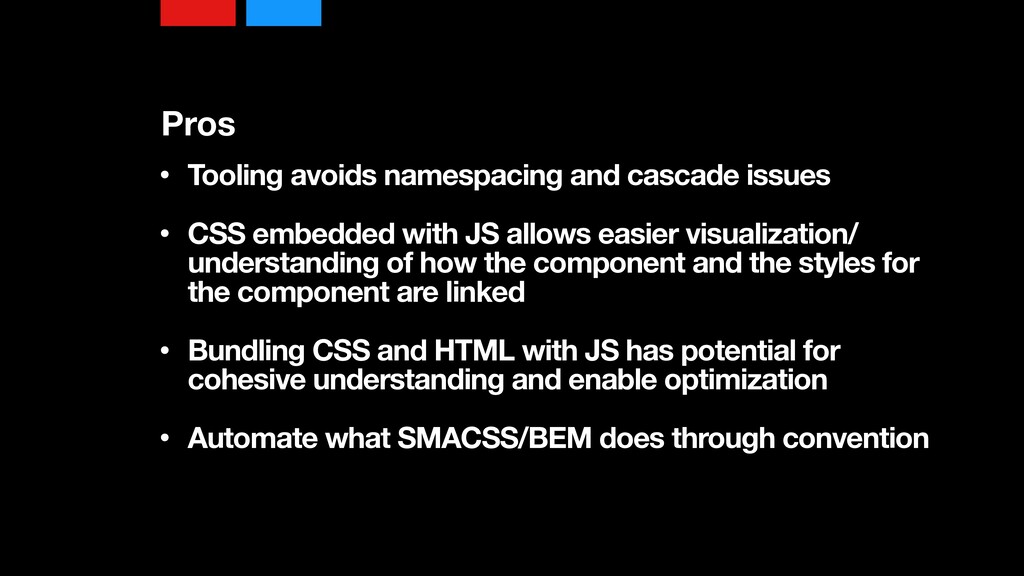
So some of the pros, yes. It avoids having to deal with namespacing and cascade issues. It allows CSS embedded with the JavaScript, which can be easier for visualizing things. Like instead of having three different files open where I've got my JS here, my HTML here, and my CSS over here to understand how all this stuff is being built, I can actually have this all in one file in one place, and I can see those dependencies right away.
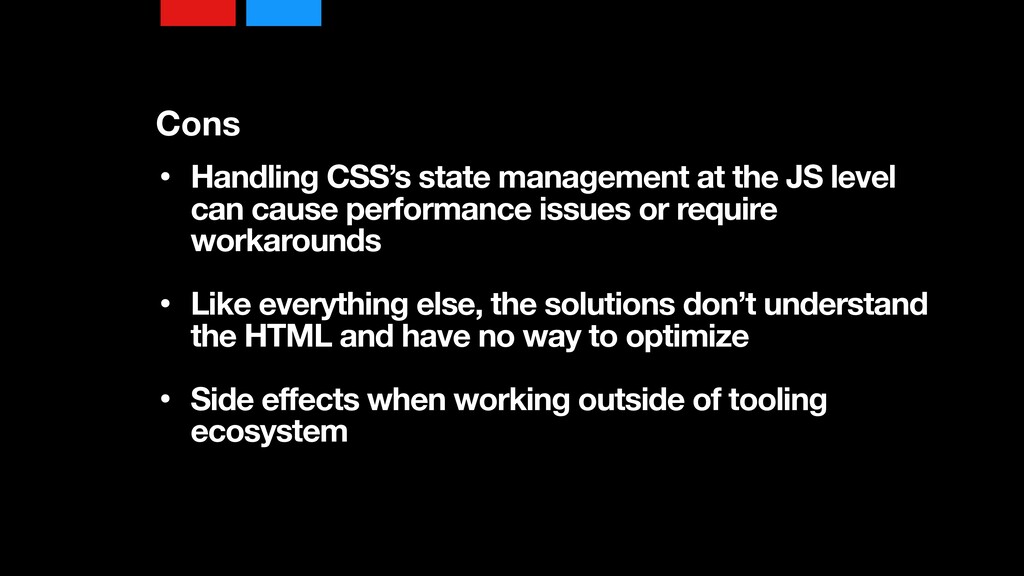
It can automate a lot of these sort of smacks and bam approaches through convention, by having this stuff as part of our project. These can be very handy things, But on the flip side, handling CSS state management via JS can be a performance bottleneck, although some of these tools handle a little bit differently like style components will actually compile into CSS, so your hover states and whatnot will still work, whereas with CSS modules, know at one time, I haven't checked recently, will actually attempt, you know a hover state isn't a hover state,
it's actually a JS mouse over, mouse out event, and those types of things can create issues. But like everything else, the solutions don't understand the HTML and have no way of optimizing the properties and the values and everything that you're using. You can also create side effects by using these tools in the project and then trying to include CSS from other projects in and you start running into those cascade issues that you were trying to avoid to begin with.
The last thing I want to touch on, we've looked at this sort of componentization. The Web Standards Group has actually tried to create a standard to do this natively instead of having to use a JavaScript framework like React or Angular or Ember that we could actually use them natively, and they're called Web Components.
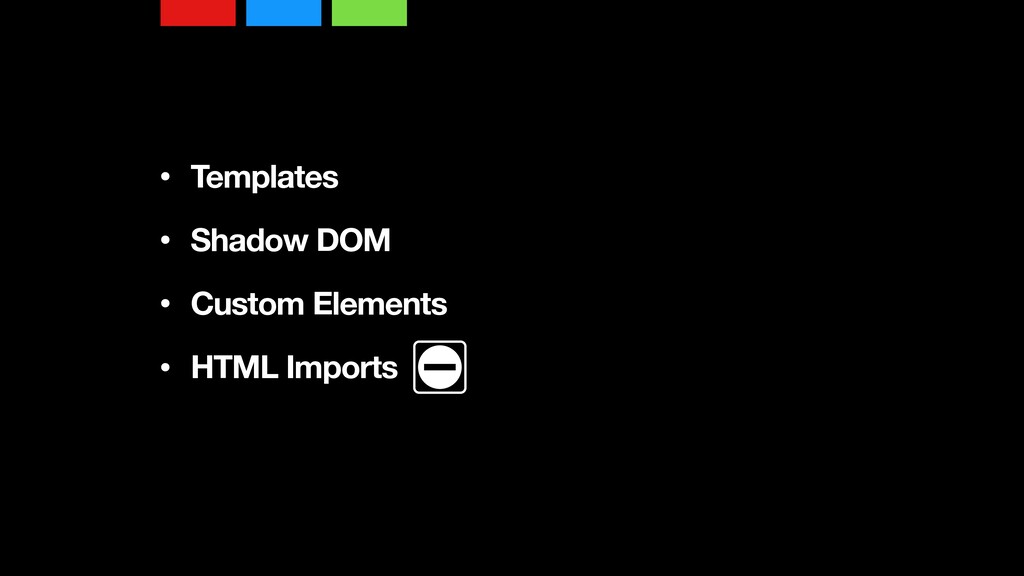
Now Web Components are basically made of four things. One are templates, Shadow DOM, custom elements, and HTML imports. Now as far as browser support, templates I believe at this point are supported across the board. Shadow DOM and custom elements, I wanna say probably half the browsers.
I know Chrome and thus Opera also has it. Firefox has it, but I think Safari is still working on a couple of these and Microsoft Edge is still working on a couple of these. HTML imports, however, are one of those things that unfortunately outside of Chrome all the other browser developers went, We're not going to do it.
So we don't have those, but with that said, because things like the Shadow DOM and custom elements actually are JavaScript driven, like in order to actually onboard those into the project, we need JavaScript anyway. HTML imports to me is less necessary since we do have things like ES6 modules that we can use to import modules anyway.
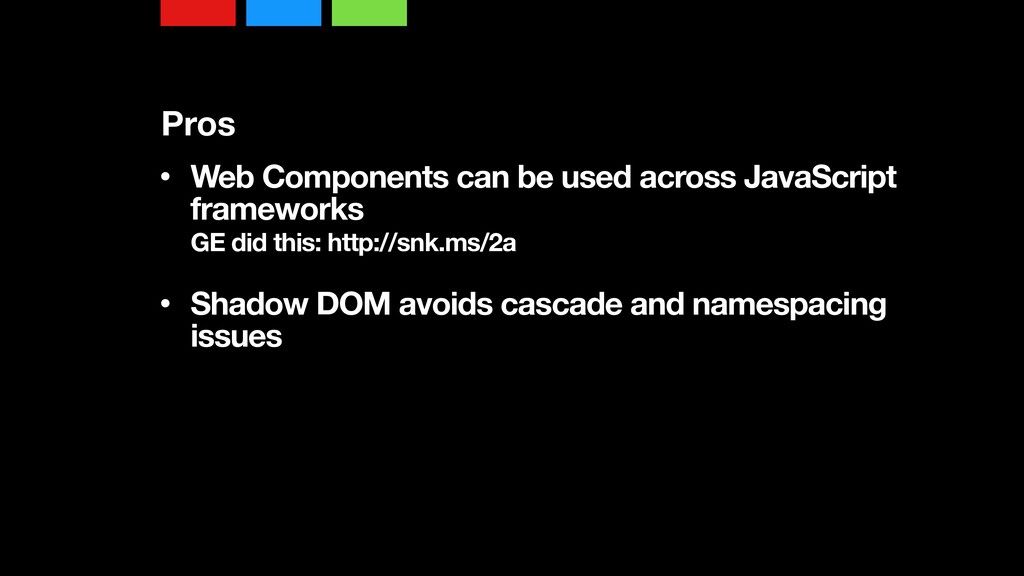
So with web components, one, they can be used across JavaScript frameworks. GE ended up doing this where they created web components using a polyfill tool like Polymer so that they had this cross browser component that was also cross platform. Depending on the size of your organization, I worked for a company for a few months where they, as you went from one page to another within the application, may actually be using a different framework from prototype to jQuery to Ember to Angular.
Basically whatever the team was excited to work on that day was the JavaScript framework that they would include in a project, and so this was that way of creating this sort of cross platform component that anybody can use. The Shadow DOM however is a very specific thing that can avoid the cascade and namespacing issues because what it does is the CSS that is written inside there will not impact anything outside of it, and likewise the sort of classes that you might create outside of it won't affect the stuff inside of it,
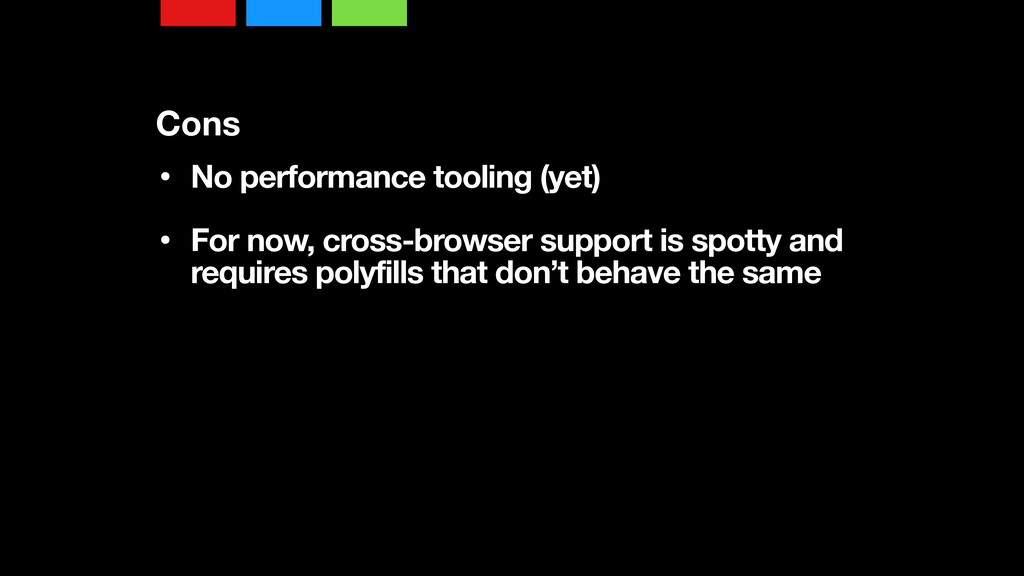
but the problem is that Shadow DOM right now is only supported in a couple browsers like Firefox and Chrome, and while there are polyfills out there, they don't work exactly the way they should, and we kind of have to wait until Shadow DOM is actually implemented by browsers before we can use them.
Likewise, there's no performance tooling around them. This is to me an important thing. I look at HTTPtwo as being a very useful thing that will hopefully allow us to componentize and cache individual components, but what about shared styles across multiple components? How do we optimize that, and that tooling isn't there.
Likewise cross browser support right now is very spotty. In the end, a couple things that I want you to walk away with. One, thinking about how you standardize and design your modules within your sites and applications. Create this reuse within your projects and think about how we can create these independent components.
And that can actually be a very difficult process to do. Frameworks like React can help in that modular thinking. I think a lot of developers who aren't familiar with CSS can sometimes get scared by it and will feel more comfortable in a JavaScript framework.
I kind of have pros and cons to that as well. I personally am a big fan of CSS and I like it very much, but I understand its shortcomings. Of course web components are coming, and I say so is winter, but I mean it is only August, but anyway, there's my John Snow joke.
On that, thank you very much.